1、以下列出5种安装方式:
如果你系统是OS X,安装brew工具命令:/usr/bin/ruby -e "$(curl -fsSL https://raw.githubusercontent.com/Homebrew/install/master/install)" 使用brew命令安装asciinema: brew update && brew install asciinema
如果你系统是Ubuntu安装命令:
sudo apt-add-repository ppa:zanchey/asciinema
sudo apt-get update
sudo apt-get install asciinema
Debian系统:
sudo apt-get install asciinema
使用Python 包安装:
sudo pip3 install asciinema(前提是需要python3)
使用git和python3安装最新版本
git clone https://github.com/asciinema/asciinema.git
cd asciinema
python3 -m asciinema --version
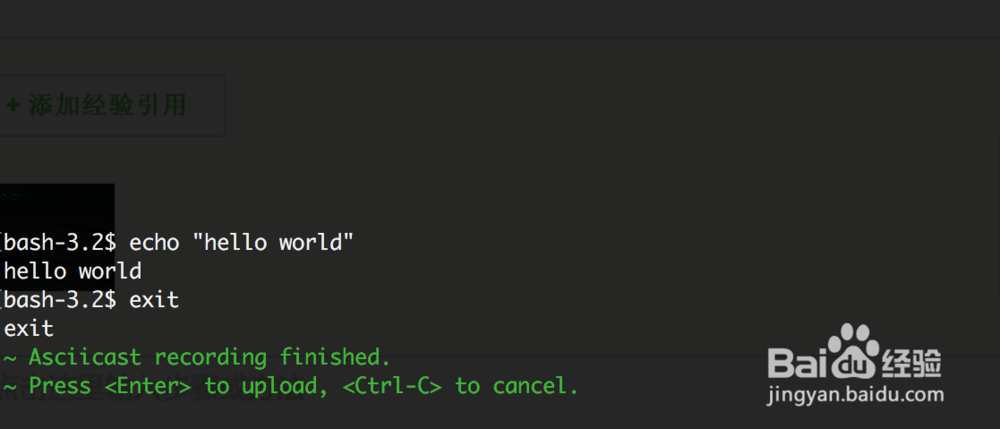
2、执行命令开始录制:asciinema rec

3、结束录制是用exit命令,然后按回车就上传录制,它会返回一个播放url