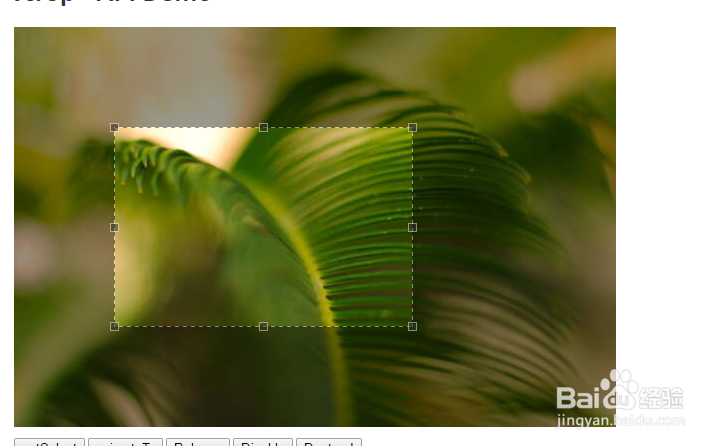
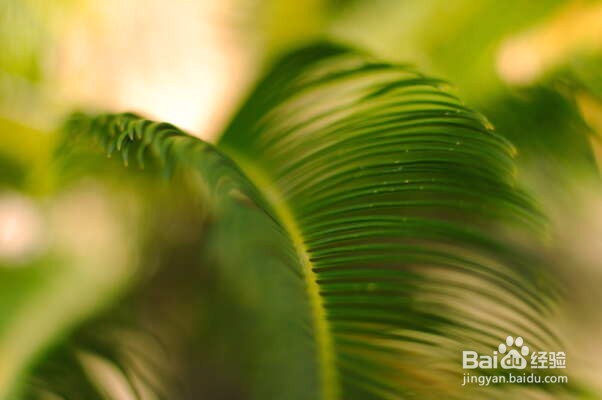
1、准备好需要用到的图片。
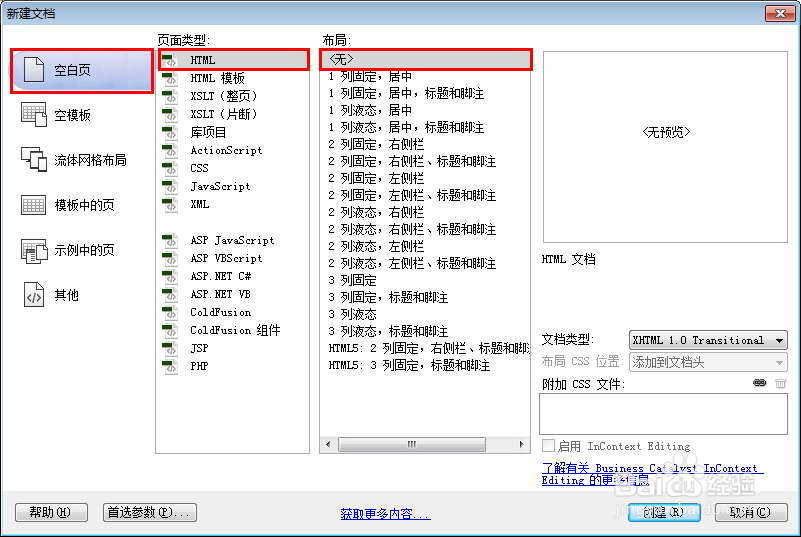
2、新建html文档。
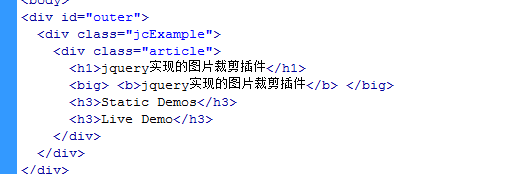
3、书写hmtl代码。
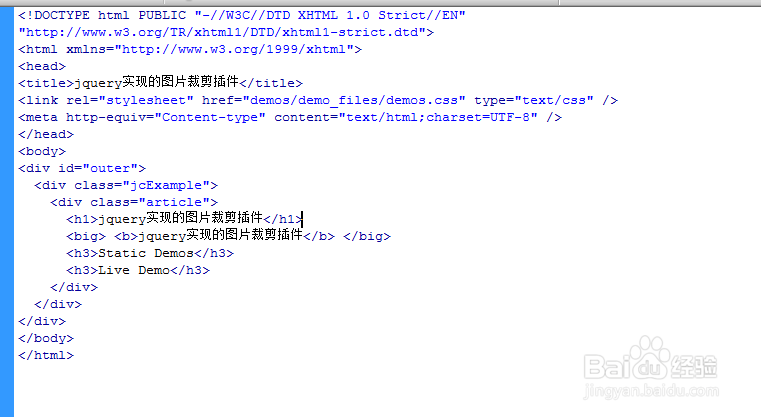
<div id="outer">
<div class="jcExample">
<div class="article">
<h1>jquery实现的图片裁剪插件</h1>
<big> <b>jquery实现的图片裁剪插件</b> </big>
<h3>Static Demos</h3>
<h3>Live Demo</h3>
</div>
</div>
</div>
4、书写css代码。
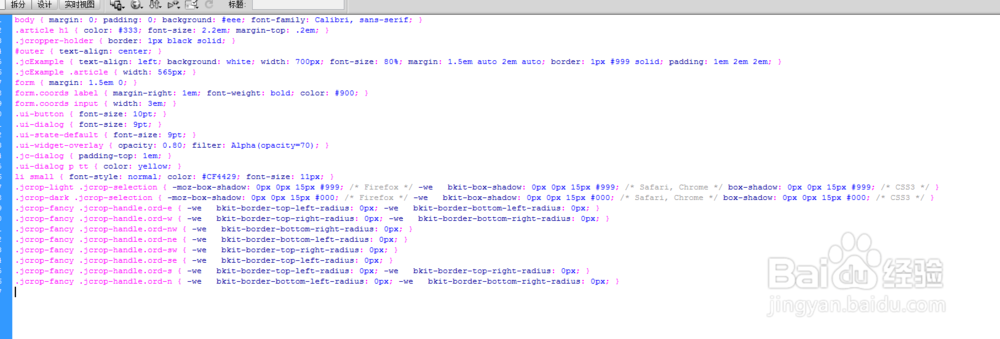
body { margin: 0; padding: 0; background: #eee; font-family: Calibri, sans-serif; }
.article h1 { color: #333; font-size: 2.2em; margin-top: .2em; }
.jcropper-holder { border: 1px black solid; }
#outer { text-align: center; }
.jcExample { text-align: left; background: white; width: 700px; font-size: 80%; margin: 1.5em auto 2em auto; border: 1px #999 solid; padding: 1em 2em 2em; }
.jcExample .article { width: 565px; }
form { margin: 1.5em 0; }
form.coords label { margin-right: 1em; font-weight: bold; color: #900; }
form.coords input { width: 3em; }
.ui-button { font-size: 10pt; }
.ui-dialog { font-size: 9pt; }
.ui-state-default { font-size: 9pt; }
.ui-widget-overlay { opacity: 0.80; filter: Alpha(opacity=70); }
.jc-dialog { padding-top: 1em; }
.ui-dialog p tt { color: yellow; }
li small { font-style: normal; color: #CF4429; font-size: 11px; }
.jcrop-light .jcrop-selection { -moz-box-shadow: 0px 0px 15px #999; /* Firefox */ -we bkit-box-shadow: 0px 0px 15px #999; /* Safari, Chrome */ box-shadow: 0px 0px 15px #999; /* CSS3 */ }
.jcrop-dark .jcrop-selection { -moz-box-shadow: 0px 0px 15px #000; /* Firefox */ -we bkit-box-shadow: 0px 0px 15px #000; /* Safari, Chrome */ box-shadow: 0px 0px 15px #000; /* CSS3 */ }
.jcrop-fancy .jcrop-handle.ord-e { -we bkit-border-top-left-radius: 0px; -we bkit-border-bottom-left-radius: 0px; }
.jcrop-fancy .jcrop-handle.ord-w { -we bkit-border-top-right-radius: 0px; -we bkit-border-bottom-right-radius: 0px; }
.jcrop-fancy .jcrop-handle.ord-nw { -we bkit-border-bottom-right-radius: 0px; }
.jcrop-fancy .jcrop-handle.ord-ne { -we bkit-border-bottom-left-radius: 0px; }
.jcrop-fancy .jcrop-handle.ord-sw { -we bkit-border-top-right-radius: 0px; }
.jcrop-fancy .jcrop-handle.ord-se { -we bkit-border-top-left-radius: 0px; }
.jcrop-fancy .jcrop-handle.ord-s { -we bkit-border-top-left-radius: 0px; -we bkit-border-top-right-radius: 0px; }
.jcrop-fancy .jcrop-handle.ord-n { -we bkit-border-bottom-left-radius: 0px; -we bkit-border-bottom-right-radius: 0px; }
5、代码整体结构。
6、查看效果。