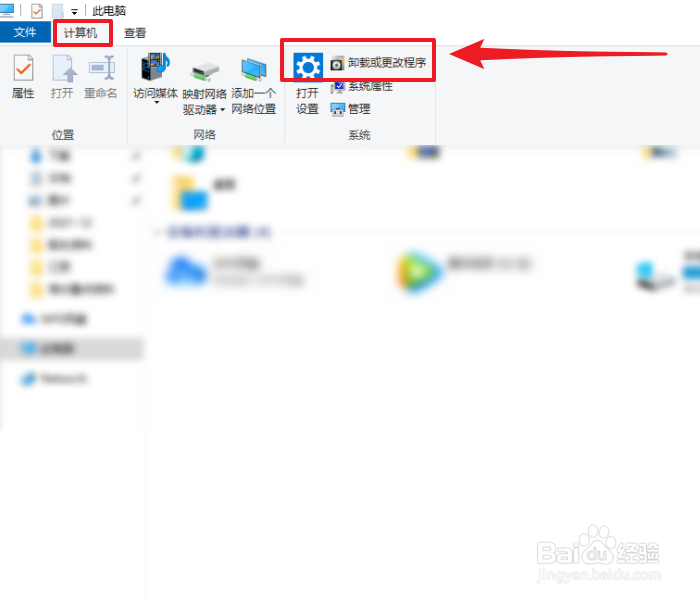
1、在计算机页面点击【卸载或更改程序】。
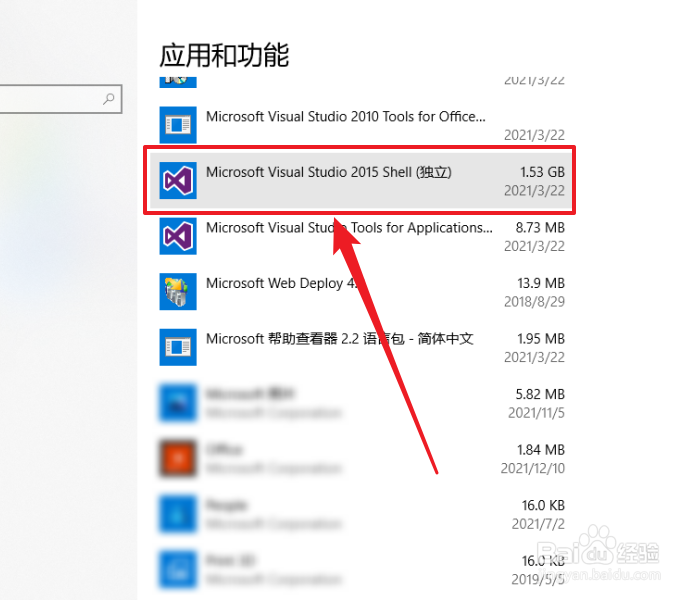
2、在应用和功能页面,找到【Microsoft Visual Studio 2015 Shell】并点击它。
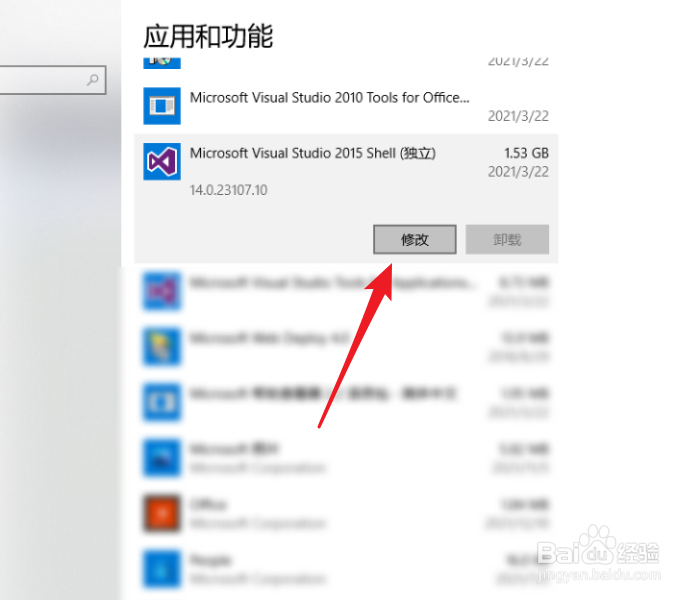
3、接着,点击【修改】按钮(注:该处【卸载】按钮不可用)。
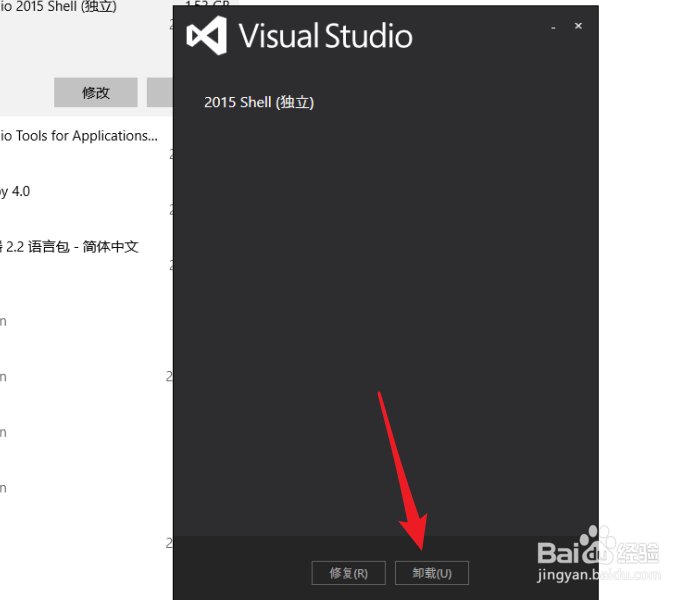
4、接下来,点击【卸载】按钮。
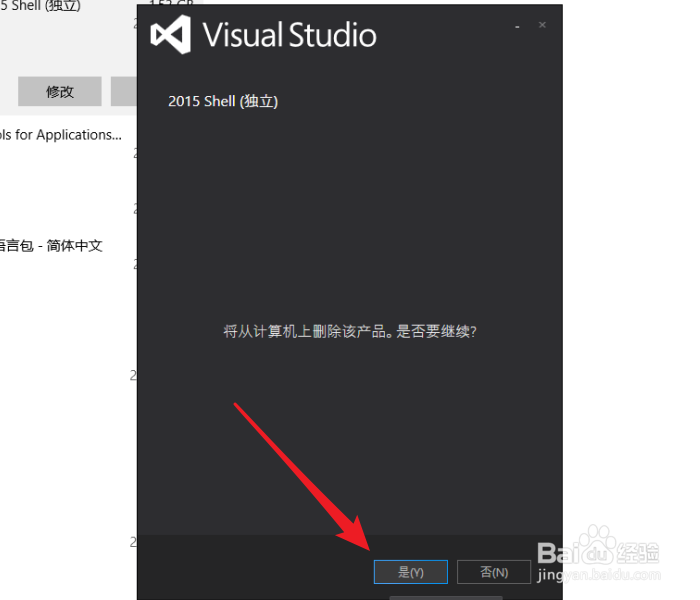
5、紧接着,点击【是】按钮。
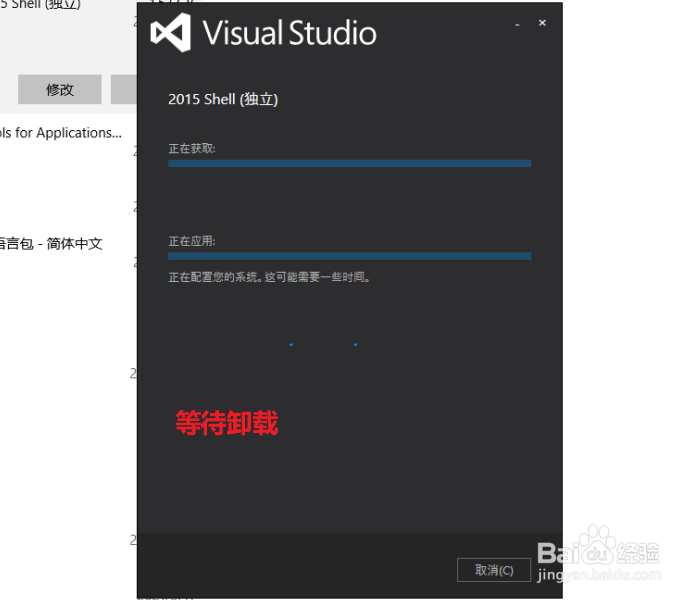
6、等待卸载直到结束。
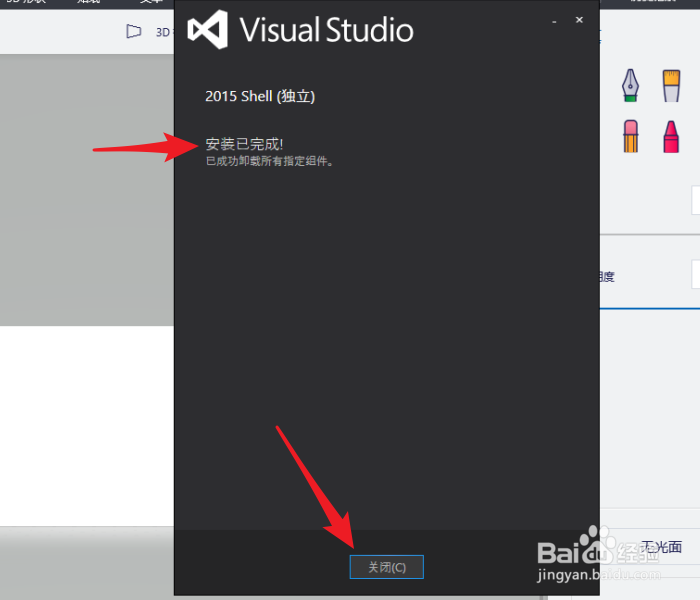
7、已完成卸载,点击【关闭】按钮即可。
1、在计算机页面点击【卸载或更改程序】。
2、在应用和功能页面,找到【Microsoft Visual Studio 2015 Shell】并点击它。
3、接着,点击【修改】按钮(注:该处【卸载】按钮不可用)。
4、接下来,点击【卸载】按钮。
5、紧接着,点击【是】按钮。
6、等待卸载直到结束。
7、已完成卸载,点击【关闭】按钮即可。