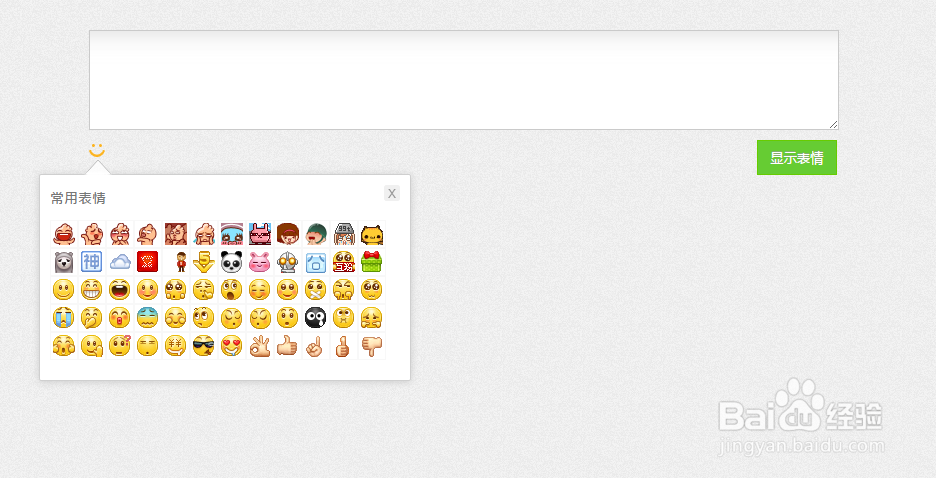
1、新建html文档。
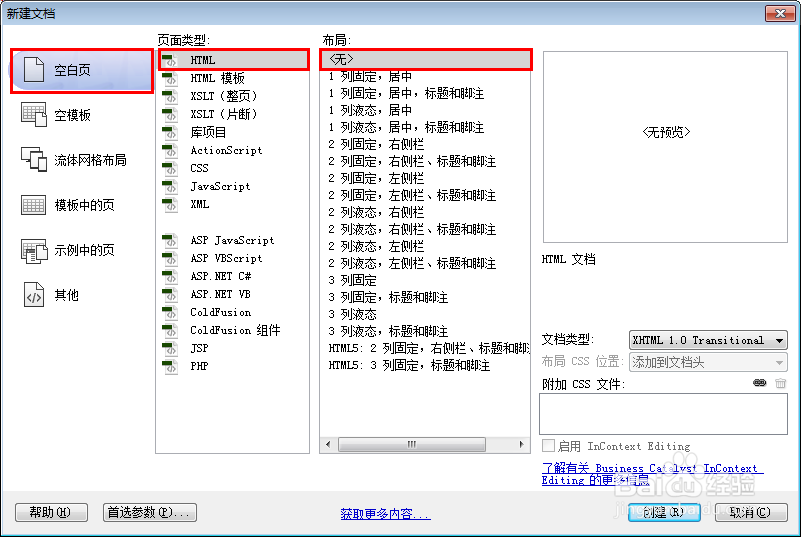
2、准备好需要用到的图标。

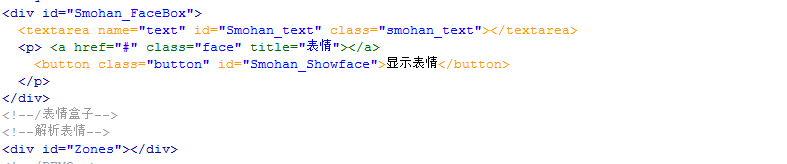
3、书写hmtl代码。
<div id="Smohan_FaceBox">
<textarea name="text" id="Smohan_text" class="smohan_text"></textarea>
<a href="#" class="face" title="表情"></a>
<button class="button" id="Smohan_Showface">显示表情</button>
</div>
<!--/表情盒子-->
<!--解析表情-->
<div id="Zones"></div>
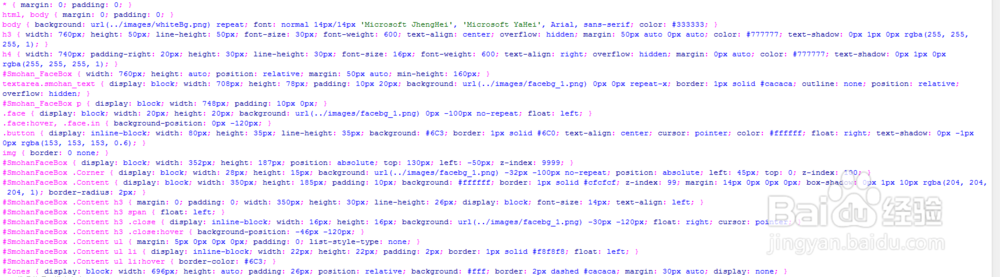
4、书写css代码。
* { margin: 0; padding: 0; }
html, body { margin: 0; padding: 0; }
body { background: url(../images/whiteBg.png) repeat; font: normal 14px/14px 'Microsoft JhengHei', 'Microsoft YaHei', Arial, sans-serif; color: #333333; }
h3 { width: 760px; height: 50px; line-height: 50px; font-size: 30px; font-weight: 600; text-align: center; overflow: hidden; margin: 50px auto 0px auto; color: #777777; text-shadow: 0px 1px 0px rgba(255, 255, 255, 1); }
h4 { width: 740px; padding-right: 20px; height: 30px; line-height: 30px; font-size: 16px; font-weight: 600; text-align: right; overflow: hidden; margin: 0px auto; color: #777777; text-shadow: 0px 1px 0px rgba(255, 255, 255, 1); }
#Smohan_FaceBox { width: 760px; height: auto; position: relative; margin: 50px auto; min-height: 160px; }
textarea.smohan_text { display: block; width: 708px; height: 78px; padding: 10px 20px; background: url(../images/facebg_1.png) 0px 0px repeat-x; border: 1px solid #cacaca; outline: none; position: relative; overflow: hidden; }
#Smohan_FaceBox p { display: block; width: 748px; padding: 10px 0px; }
.face { display: block; width: 20px; height: 20px; background: url(../images/facebg_1.png) 0px -100px no-repeat; float: left; }
.face:hover, .face.in { background-position: 0px -120px; }
.button { display: inline-block; width: 80px; height: 35px; line-height: 35px; background: #6C3; border: 1px solid #6C0; text-align: center; cursor: pointer; color: #ffffff; float: right; text-shadow: 0px -1px 0px rgba(153, 153, 153, 0.6); }
img { border: 0 none; }
#SmohanFaceBox { display: block; width: 352px; height: 187px; position: absolute; top: 130px; left: -50px; z-index: 9999; }
#SmohanFaceBox .Corner { display: block; width: 28px; height: 15px; background: url(../images/facebg_1.png) -32px -100px no-repeat; position: absolute; left: 45px; top: 0; z-index: 100; }
#SmohanFaceBox .Content { display: block; width: 350px; height: 185px; padding: 10px; background: #ffffff; border: 1px solid #cfcfcf; z-index: 99; margin: 14px 0px 0px 0px; box-shadow: 0px 1px 10px rgba(204, 204, 204, 1); border-radius: 2px; }
#SmohanFaceBox .Content h3 { margin: 0; padding: 0; width: 350px; height: 30px; line-height: 26px; display: block; font-size: 14px; text-align: left; }
#SmohanFaceBox .Content h3 span { float: left; }
#SmohanFaceBox .Content h3 .close { display: inline-block; width: 16px; height: 16px; background: url(../images/facebg_1.png) -30px -120px; float: right; cursor: pointer; }
#SmohanFaceBox .Content h3 .close:hover { background-position: -46px -120px; }
#SmohanFaceBox .Content ul { margin: 5px 0px 0px 0px; padding: 0; list-style-type: none; }
#SmohanFaceBox .Content ul li { display: inline-block; width: 22px; height: 22px; padding: 2px; border: 1px solid #f8f8f8; float: left; }
#SmohanFaceBox .Content ul li:hover { border-color: #6C3; }
#Zones { display: block; width: 696px; height: auto; padding: 26px; position: relative; background: #fff; border: 2px dashed #cacaca; margin: 30px auto; display: none; }
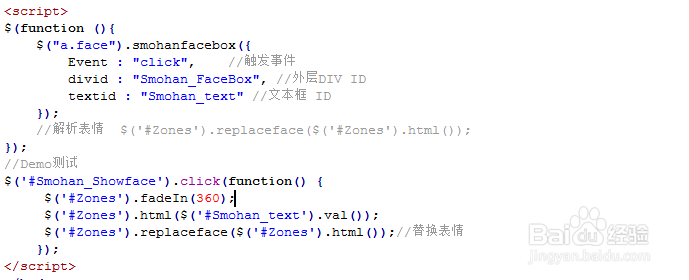
5、书写并添加js代码。
<script>
$(function (){
$("a.face").smohanfacebox({
Event : "click",//触发事件
divid : "Smohan_FaceBox", //外层DIV ID
textid : "Smohan_text" //文本框 ID
});
//解析表情 $('#Zones').replaceface($('#Zones').html());
});
//Demo测试
$('#Smohan_Showface').click(function() {
$('#Zones').fadeIn(360);
$('#Zones').html($('#Smohan_text').val());
$('#Zones').replaceface($('#Zones').html());//替换表情
});
</script>
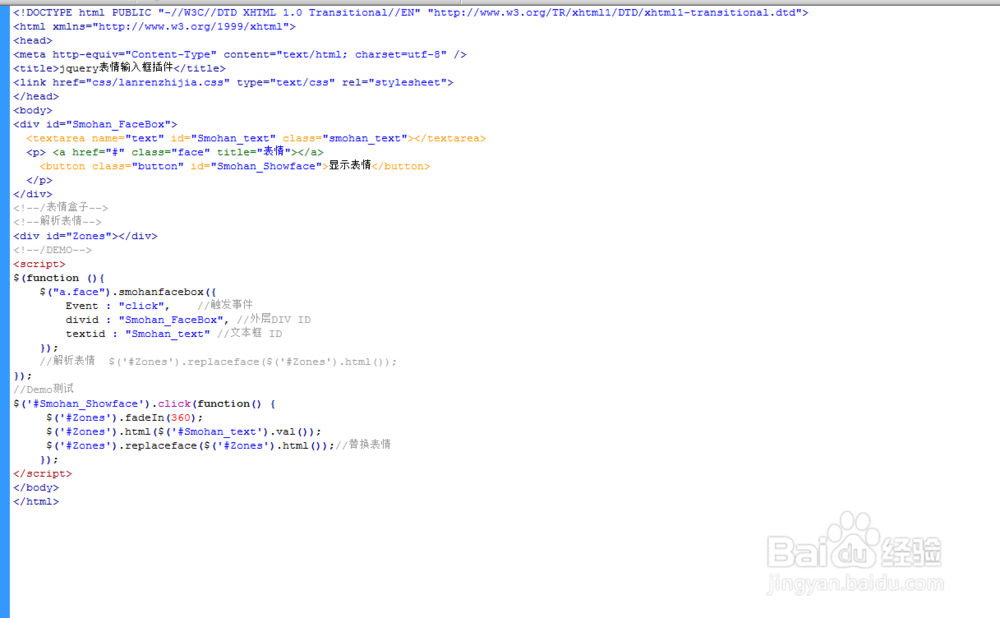
6、代码整体结构。
7、查看效果。