1、您运行的是 Windows 10。如果您希望更新为最新版本,请浏览器搜索:Windows10升级助手。
2、用户在"百度一下,你就知道 (窗格)"上左键单击(在"百度一下,你就知道 - Microsoft Edge"中)
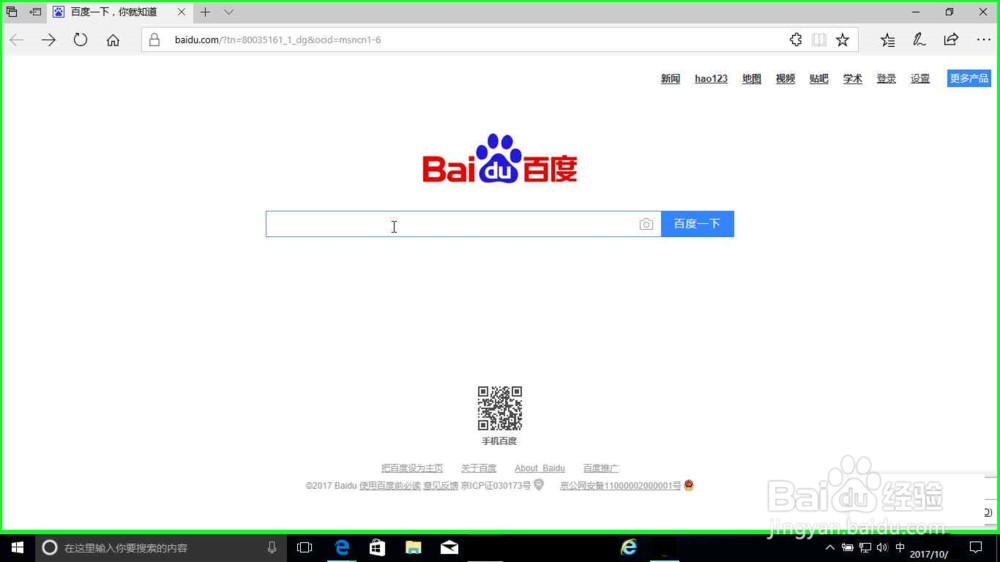
3、用户在"https://www.baidu.com (窗格)"上键盘输入:Windows10升级助手(在"Microsoft Edge"中) [... Enter]。
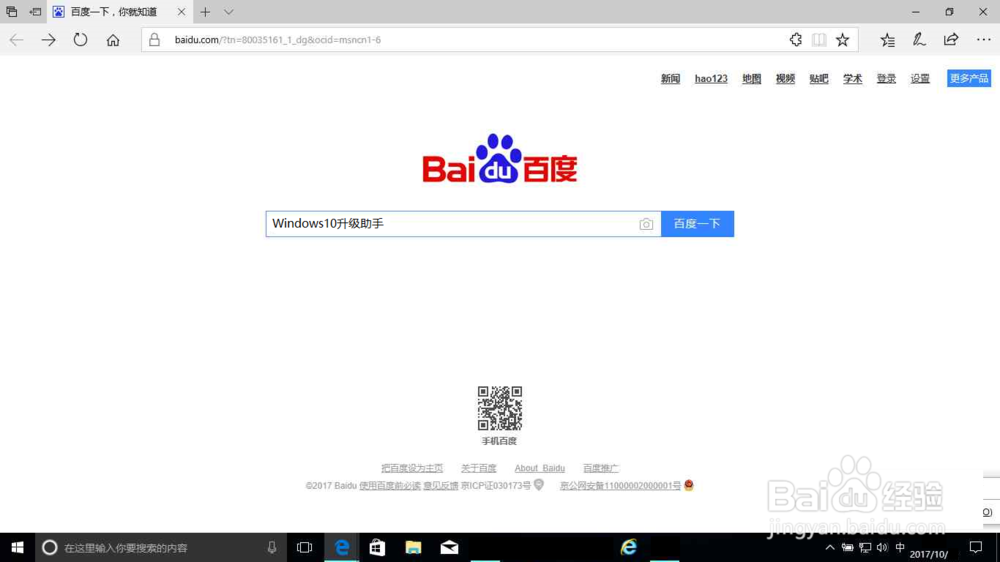
4、用户在"下载 Windows 10 (链接)"上左键单击(在"windows10升级助手_百度搜索 - Microsoft Edge"中)
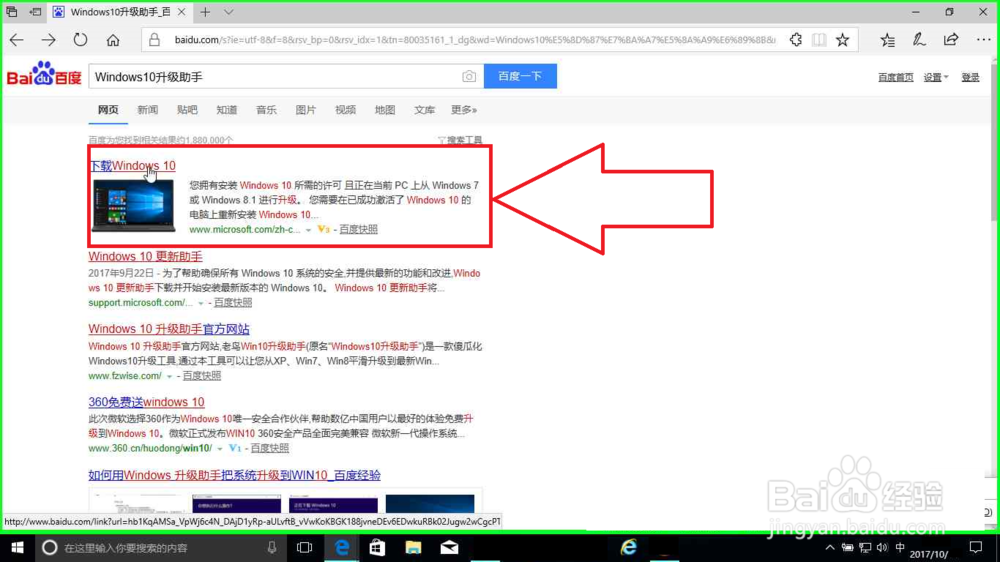
5、用户在"(下载 Windows 10 下载)中 ,(在- Microsoft Edge"中)。搜索完成。
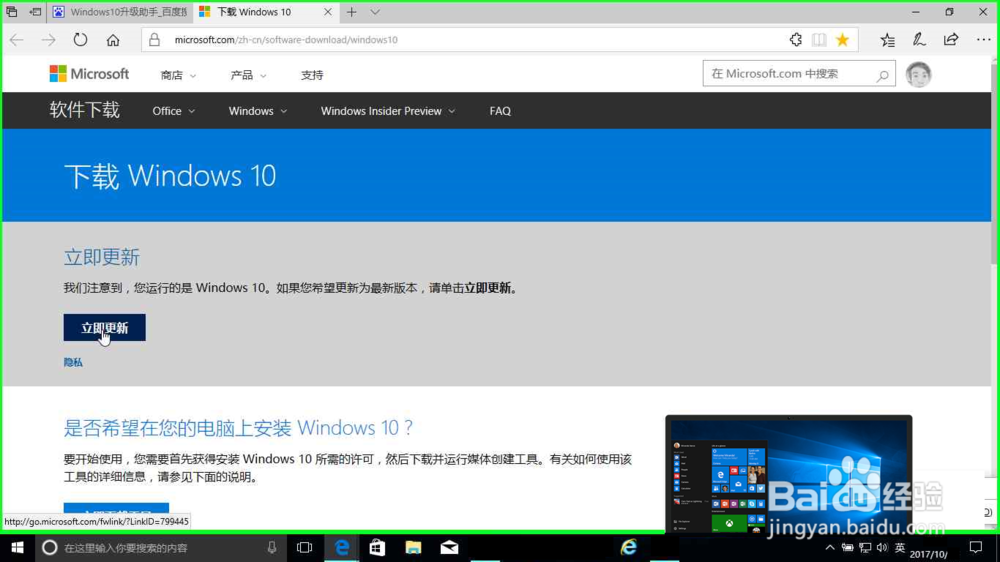
1、插入U盘,开始下载: 用户在"立即更新 (链接)"上左键单击(在"下载 Windows 10 - Microsoft Edge"中)

2、用户在"运行 (按钮)"上左键单击(在"下载 Windows 10 - Microsoft Edge"中)

3、 用户在"运行中的应用程序 (工具栏)"上左键单击

4、用户在"微软 Windows 10 易升"中左键单击
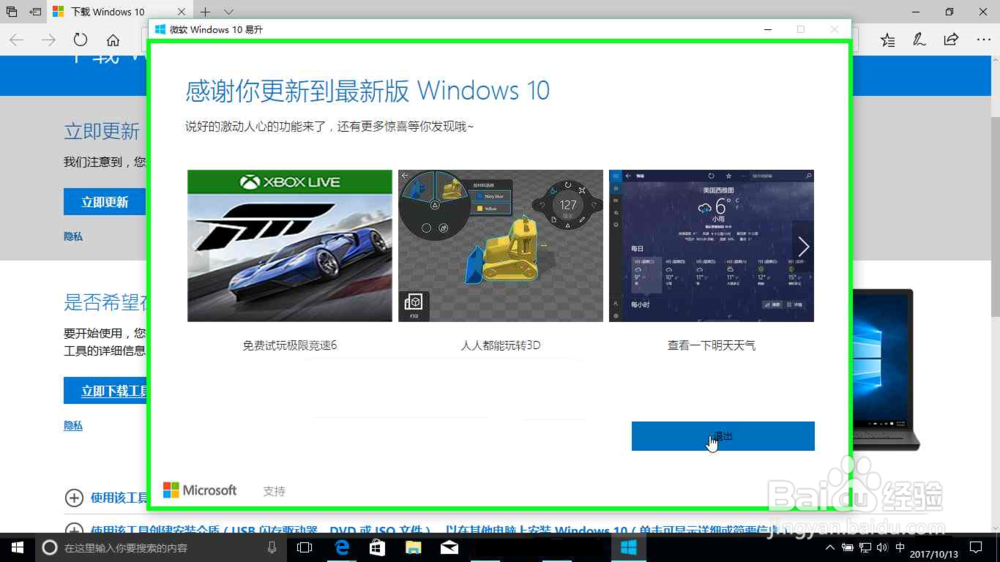
1、用户在"立即下载工具 (链接)"上左键单击(在"下载 Windows 10 - Microsoft Edge"中)

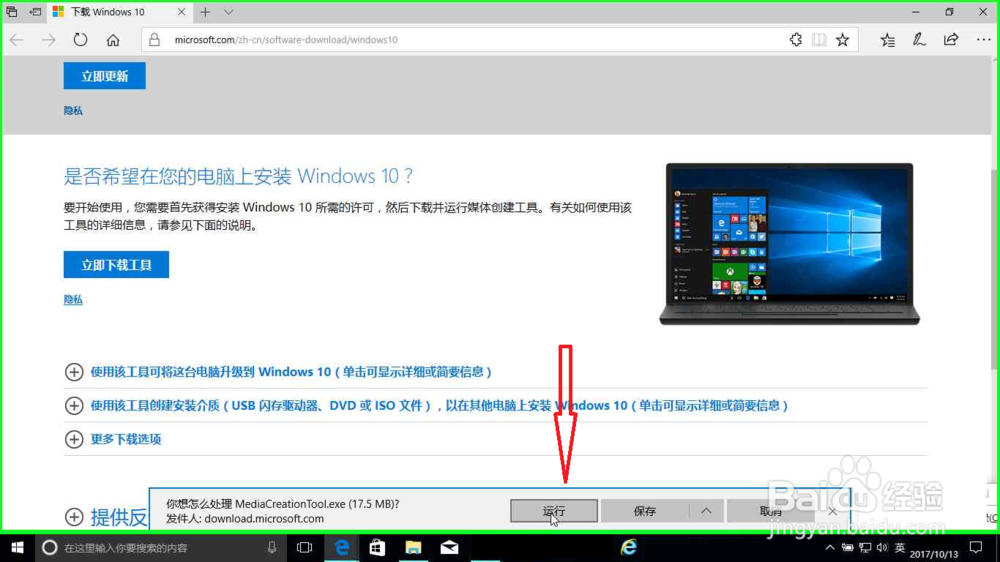
2、用户在"运行 (按钮)"上左键单击(在"下载 Windows 10 - Microsoft Edge"中)
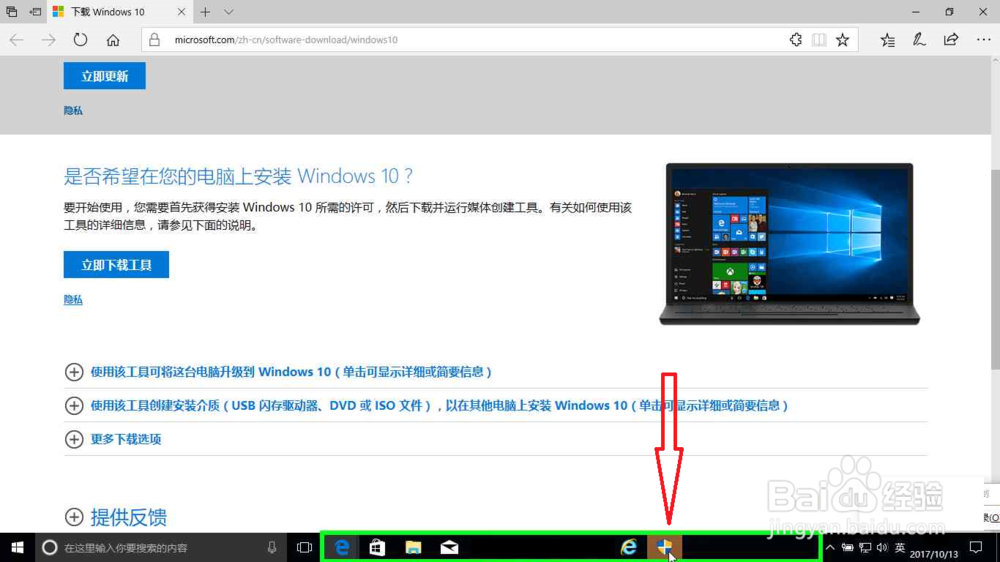
3、用户在"运行中的应用程序 (工具栏)"上左键单击
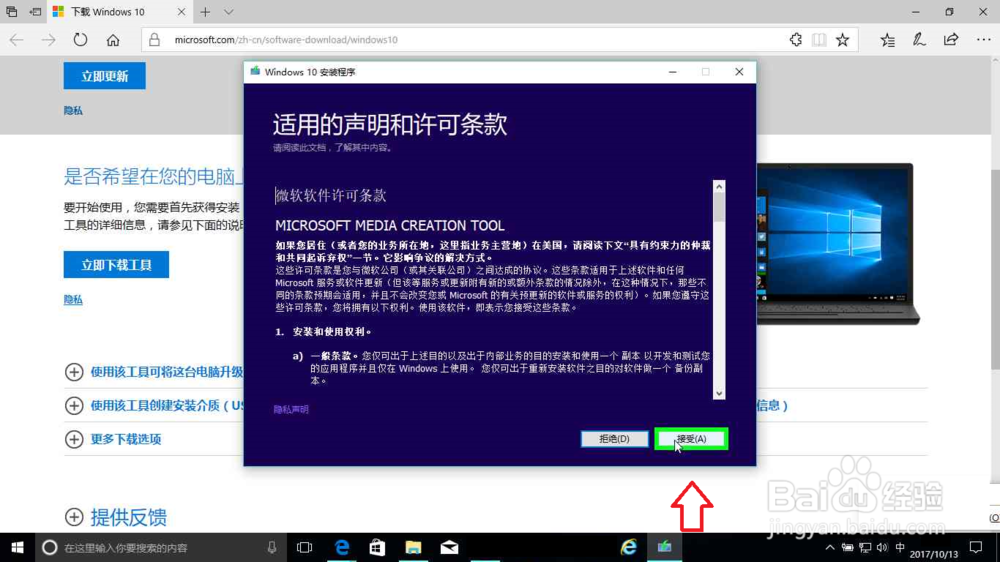
4、用户在"Windows 10 安装程序 (对话框)"上左键单击(在"Windows 10 安装程序"中)
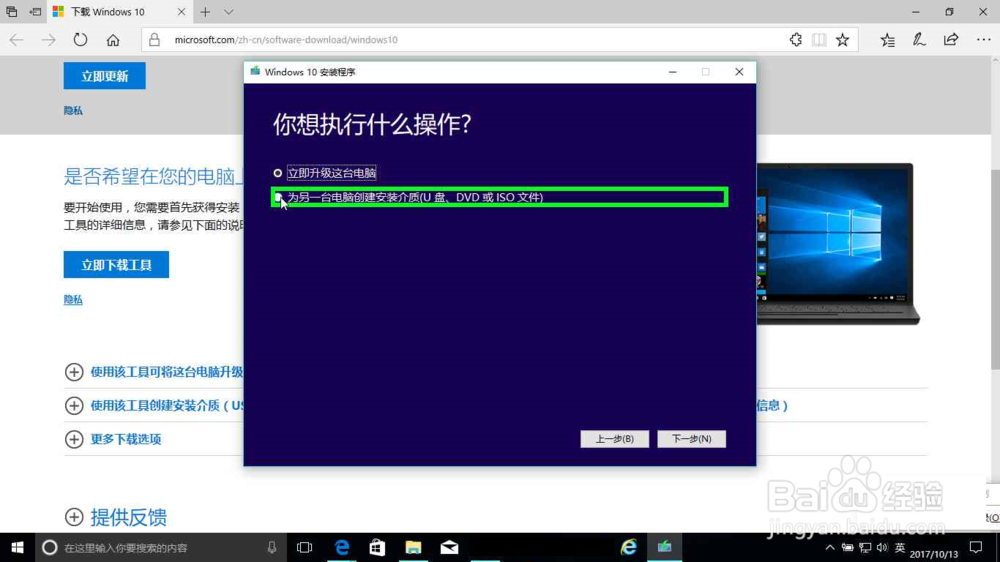
5、用户在"为另一台电脑创建安装介质(U 盘、DVD 或 ISO 文件) (单选按钮)"上左键单击(在"Windows 10 安装程序"中)
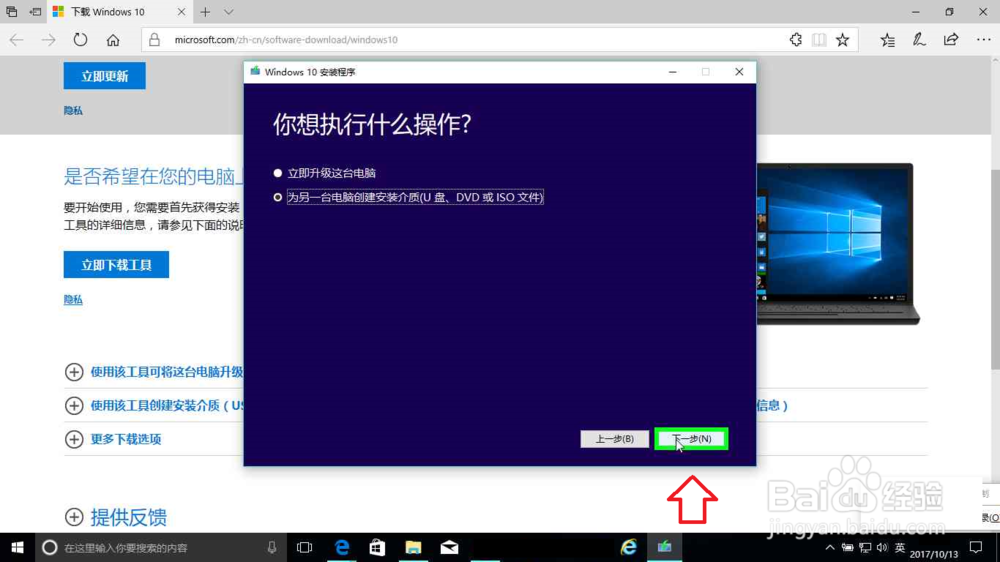
6、用户在"下一步(N) (按钮)"上左键单击(在"Windows 10 安装程序"中)
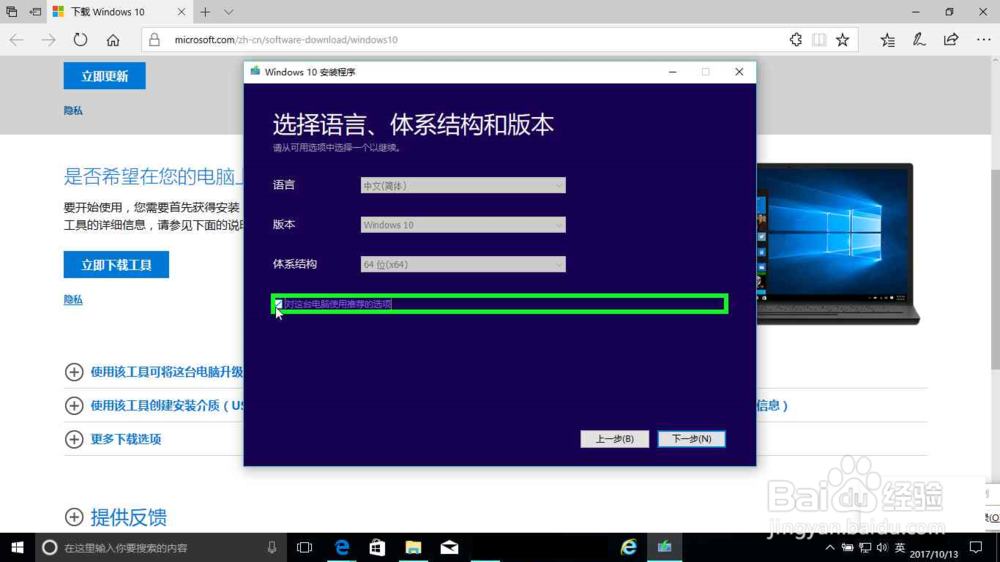
7、用户在"对这台电脑使用推荐的选项 (复选框)"上左键单击(在"Windows 10 安装程序"中)
8、用户在"关闭 (按钮)"上左键单击(在"Windows 10 安装程序"中)
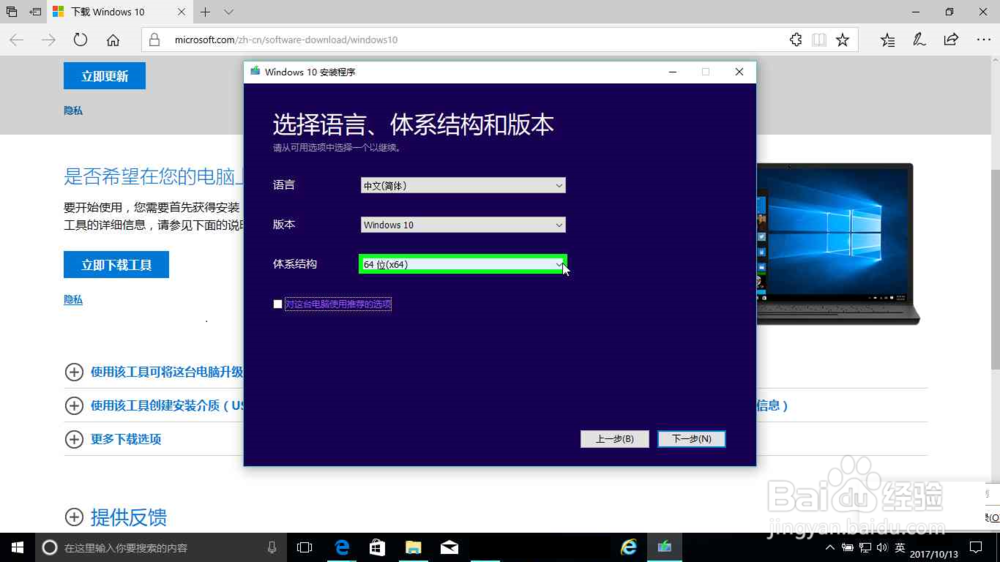
9、用户在"体系结构 (列表)"上左键单击
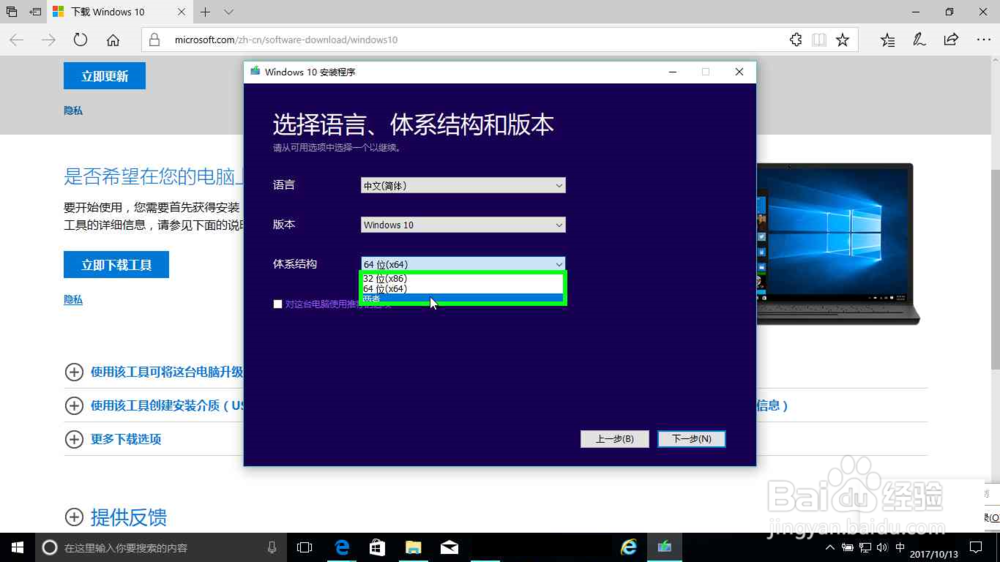
10、用户在"下一步(N) (按钮)"上左键单击(在"Windows 10 安装程序"中)
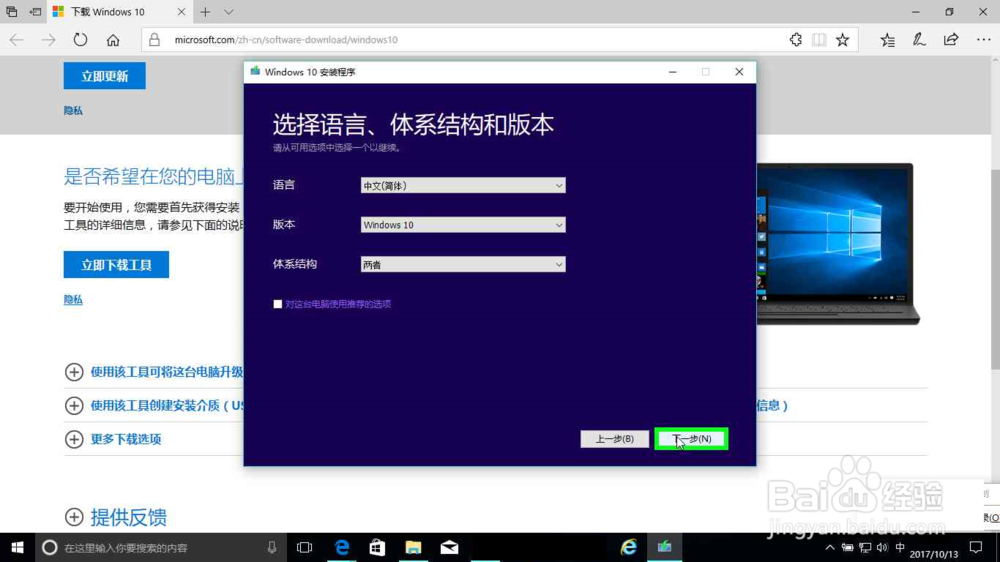
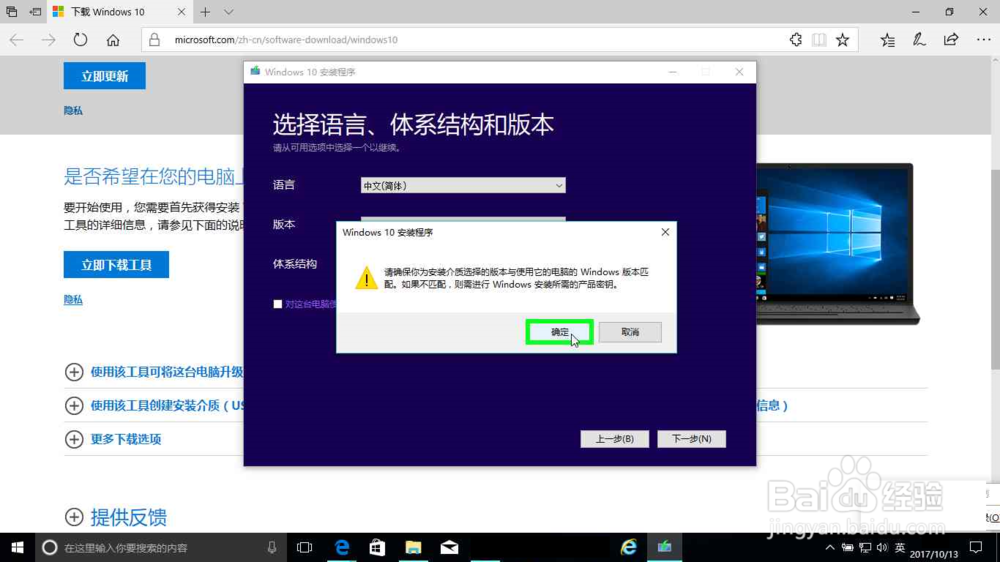
11、用户在"Windows 10 安装程序 (对话框)"上左键单击(在"Windows 10 安装程序"中)
12、用户在"U 盘. 大小至少为 8 GB(32位和64位双系统)。 (单选按钮)"上左键单击(在"Windows 10 安装程序"中)
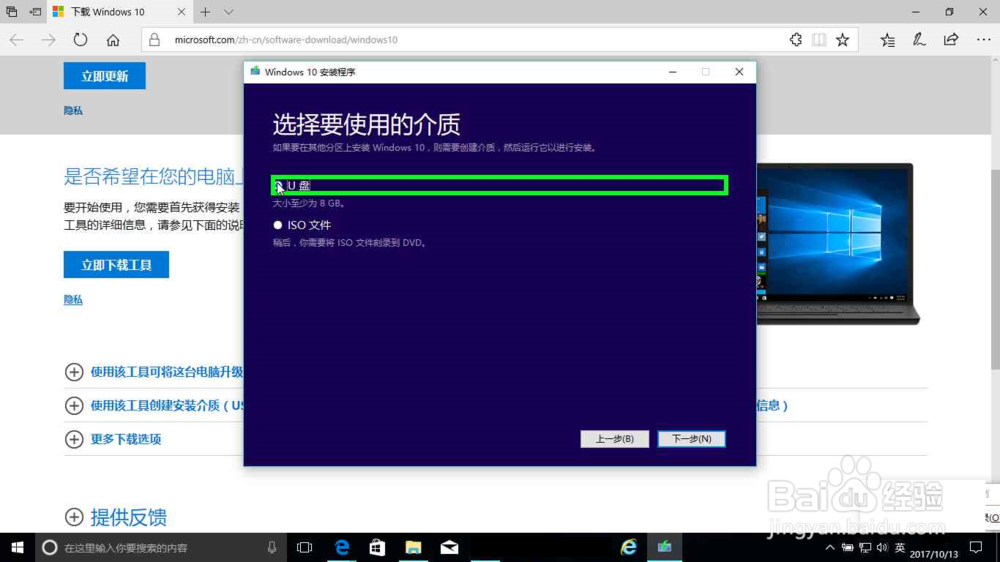
13、用户在"下一步(N) (按钮)"上左键单击(在"Windows 10 安装程序"中)
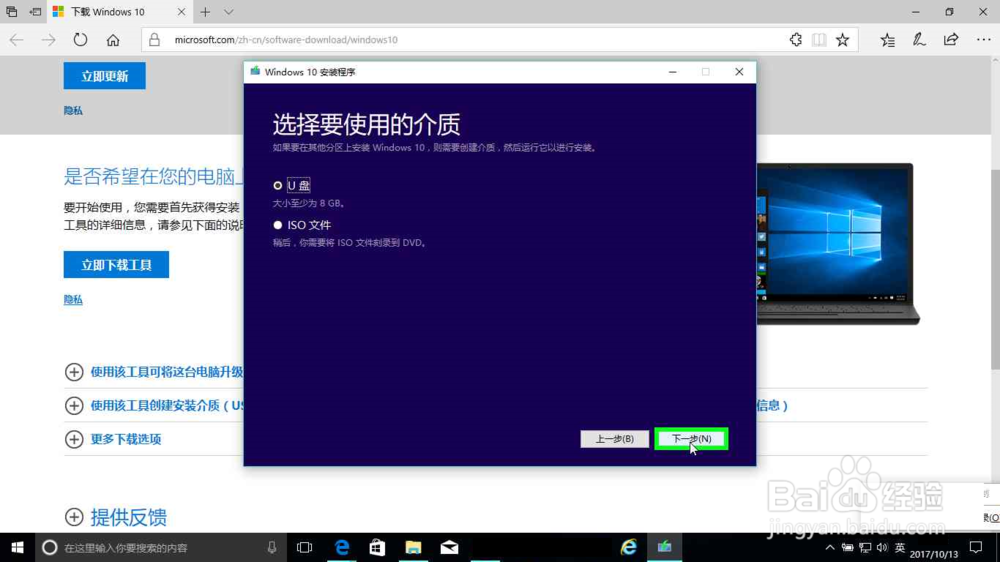
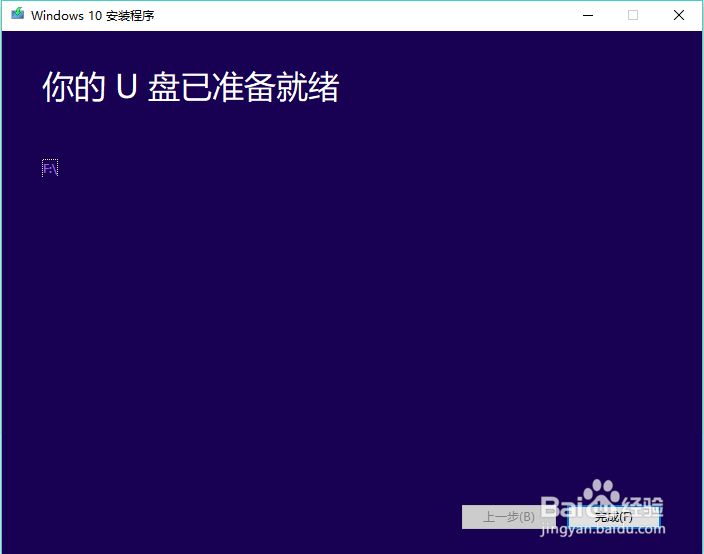
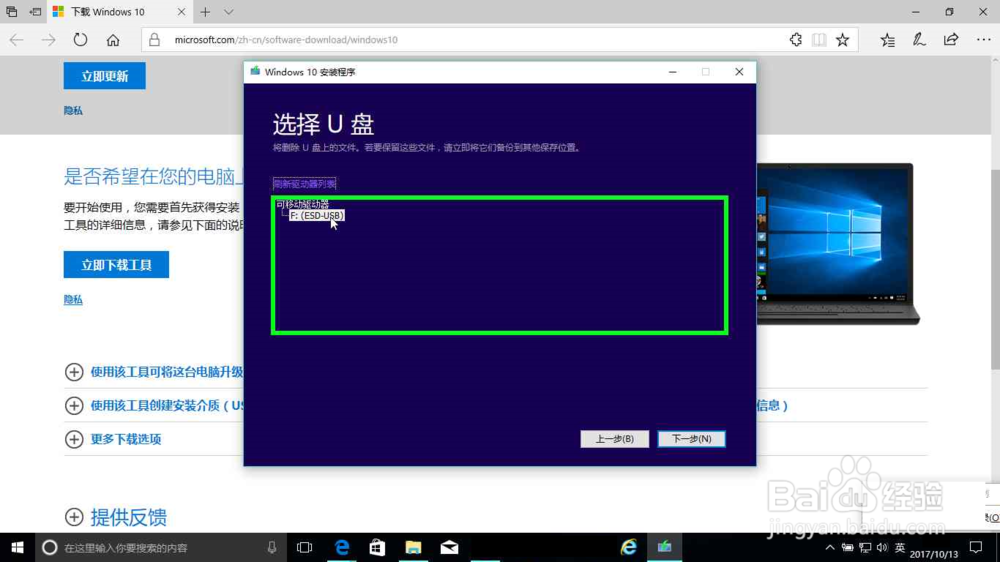
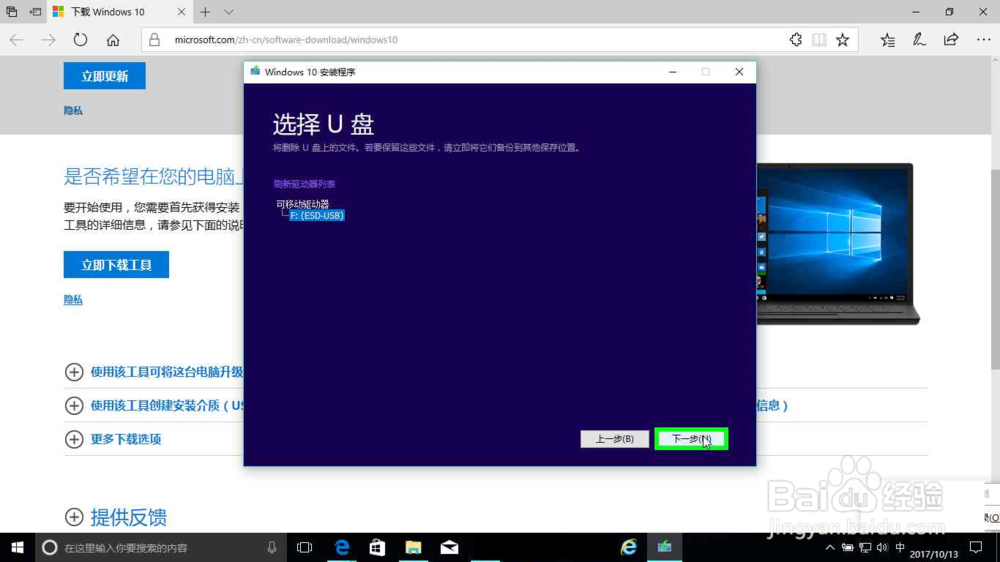
14、用户在"F: (ESD-USB) (树项目)"上左键单击(在"Windows 10 安装程序"中)
15、用户在"下一步(N) (按钮)"上左键单击(在"Windows 10 安装程序"中)
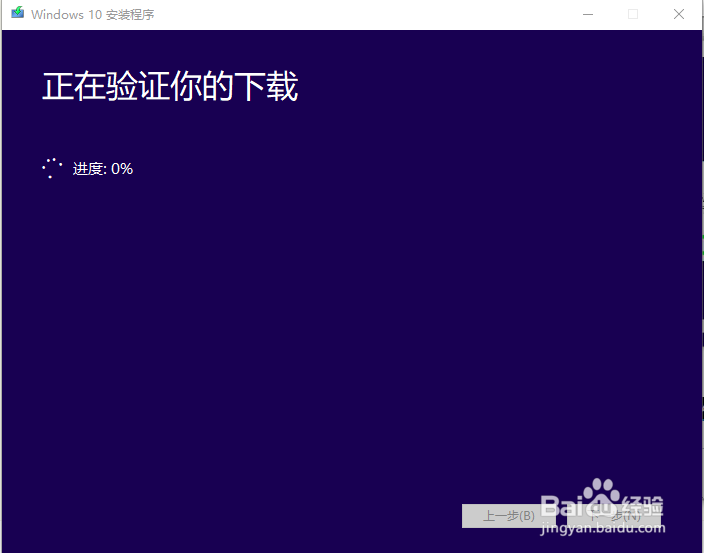
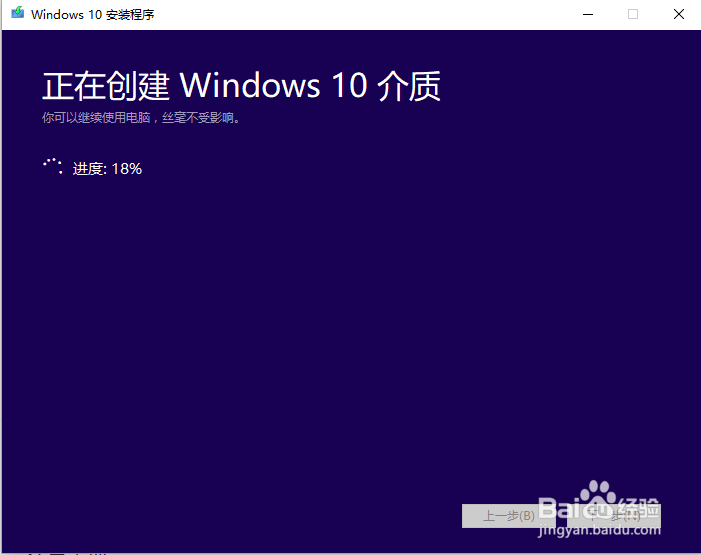
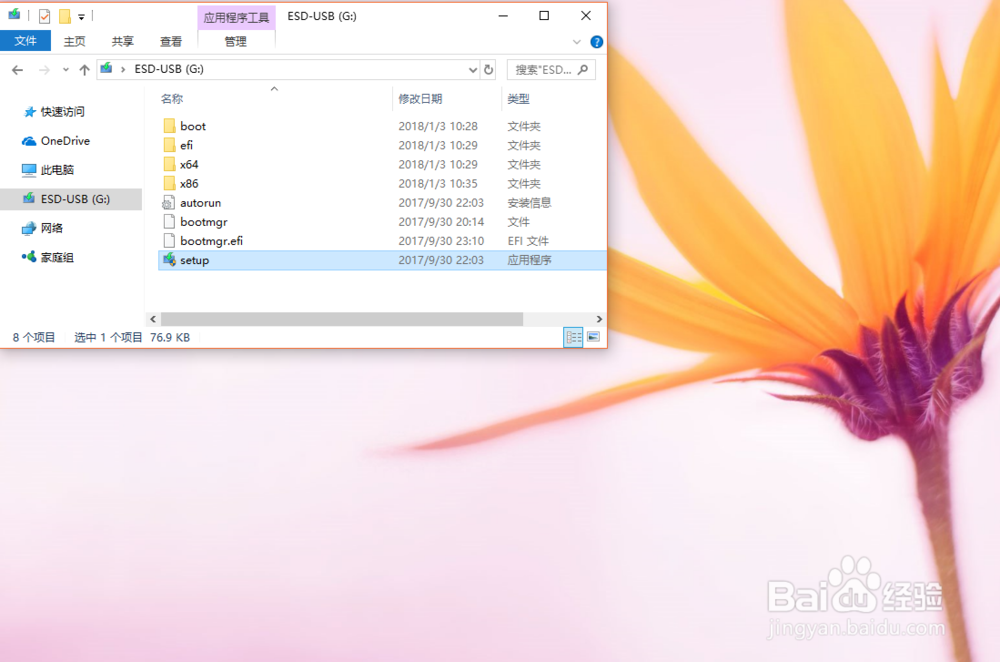
16、完成。